Close Menu
  • Home
  • UNSUBSCRIBE
  • News
  • Lifestyle
  • Tech
  • Entertainment
  • Sports
  • Travel
Facebook X (Twitter) WhatsApp
Trending
  • Australian GP: Oscar Piastri says McLaren not ‘where we were’ for 2026’s first race but ready to play long game | F1 News
  • Nicole Kidman AMC Ad Paycheck Revealed
  • Six-Story Apartment Proposal Sparks Community Uproar in Mission Viejo
  • March 3 ‘blood moon’ total lunar eclipse dazzles millions around the world (photos)
  • How to preorder Apple’s new MacBook Pros with M5 Pro, M5 Max
  • When Tyson Fury sparred ‘King of Kickboxing’ Rico Verhoeven, Oleksandr Usyk’s shock next opponent – new footage found | Boxing News
  • Best Dr. Martens Spring Sale Sandals and Slides Deals
  • Elementary school reverses discipline over same-sex marriage book
Facebook X (Twitter) WhatsApp
Baynard Media
  • Home
  • UNSUBSCRIBE
  • News
  • Lifestyle
  • Tech
  • Entertainment
  • Sports
  • Travel
Baynard Media
Home»Tech»Perplexity launches Comet AI browser for everyone: How to try it
Tech

Perplexity launches Comet AI browser for everyone: How to try it

EditorBy EditorOctober 6, 2025No Comments3 Mins Read
Share Facebook Twitter Pinterest LinkedIn Tumblr Reddit Telegram Email
Share
Facebook Twitter LinkedIn Pinterest Email

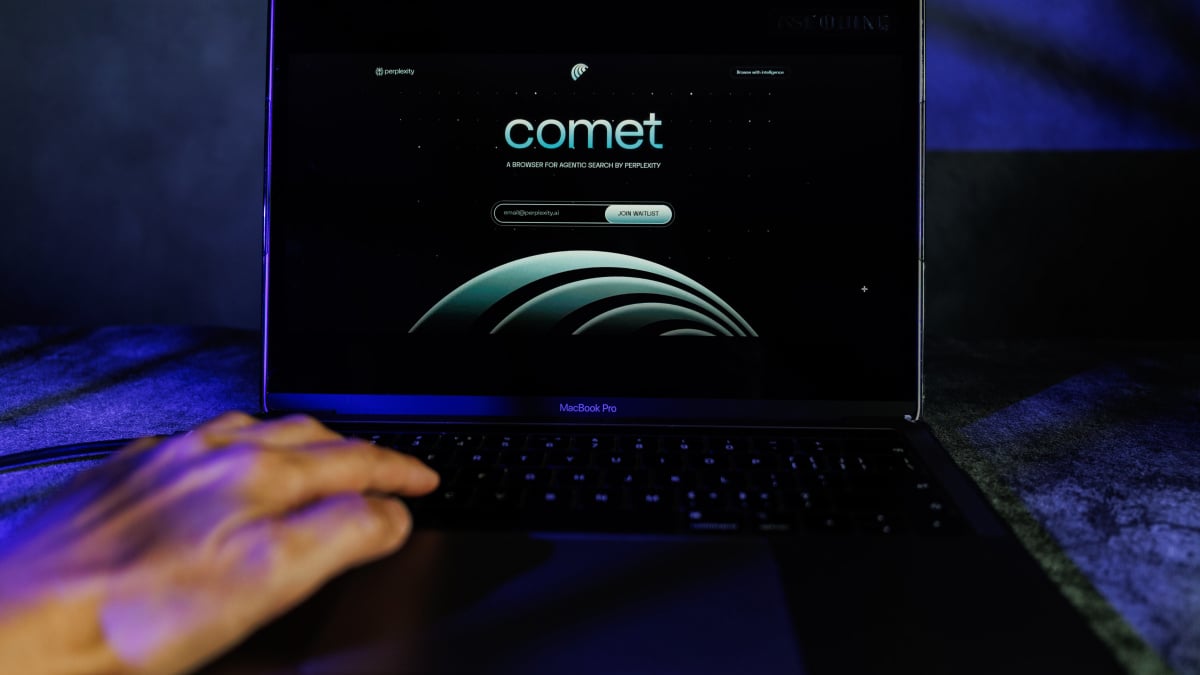
Perplexity has officially launched its Comet AI web browser to everyone for free. At this time, Comet is only available as a desktop browser.

Over the summer, AI company Perplexity launched its very own web browser known as Comet. However, when Comet first rolled out, the AI web browser wasn’t available to everyone. Users either needed a paid Perplexity subscription, or they needed to sign up for a wait list and get invited to try the browser out. Or they could’ve scoured the internet for an invite code. Or begged someone who had extra.

Now, there’s no subscription, waitlist, or invite code required. (Now, people are hunting down Sora 2 invite codes.)

Here’s how to download Comet from Perplexity.

How to download Comet

Perplexity has set up a very simple landing page for Comet, so simply head to the Comet website and follow these instructions.

Mashable Light Speed

What You Need

  • Internet access
  • Laptop or desktop computer

Step 1:
On the Perplexity Comet webpage, click the Download Comet button

Step 2:
You will be taken to a page that automatically downloads the latest version of Comet

Step 3:
If the download doesn’t automatically begin, click the Download Comet button on that page

Step 4:
Install Comet to your computer

Step 5:
Open Comet and choose your setup settings, such as whether you want to import your data like bookmarks and extensions from your existing web browser


Credit: Perplexity

Comet is currently available for Windows (Windows 10 and 11) and macOS (M1 or newer chips), but Perplexity says it will be launching for more platforms in the near future.

What is Comet?

Comet is an AI web browser from the AI search engine company Perplexity. 

Mashable tested Comet out back when it was invite-only in July. Perplexity’s stand out feature that separates it from other web browsers is its integrated AI features, particularly its built-in AI assistant. Perplexity users don’t have to have a browser tab with an AI chatbot open or a separate app at the ready. Perplexity’s AI assistant enables users to interact, ask questions, and assign tasks right there in the browser itself.

AI web search is increasingly becoming a hot commodity. Google clearly views AI search as the direction search engines should go in, which explains why they’ve integrated AI Mode so visibly into its default web search engine.

Google’s web browser Chrome is extremely popular, so much so that it commands nearly 72 percent of the entire web browser market share around the world. And because Google Search is built-in as the default search engine in Chrome, the browser’s popularity ensures that Google’s search engine remains popular too, even as the quality of Google search degrades.

Perplexity, an AI search company, wants to replicate Chrome and Google Search’s tandem success. As more internet users move to Comet, it ensures more users perform web searches with Perplexity, the built-in default search engine in the AI web browser.

Did you try out Comet? What did you think? Let us know in the comments below. You can also get prompt ideas and other resources at the Perplexity Comet Resource Hub.

Topics
Artificial Intelligence

Source link

Share. Facebook Twitter Pinterest LinkedIn Tumblr Email
Previous ArticleCeltic 3-2 Motherwell
Next Article Judge blocks Trump’s National Guard troops deployment to Portland
Editor
  • Website

Related Posts

Tech

How to preorder Apple’s new MacBook Pros with M5 Pro, M5 Max

March 3, 2026
Tech

Save over $500 on Samsung 43-inch QN90F Neo QLED TV at Amazon

March 3, 2026
Tech

Apple announces new M5 MacBook Air with 512GB of starting storage

March 3, 2026
Add A Comment

Comments are closed.

Categories
  • Entertainment
  • Lifestyle
  • News
  • Sports
  • Tech
  • Travel
Recent Posts
  • Australian GP: Oscar Piastri says McLaren not ‘where we were’ for 2026’s first race but ready to play long game | F1 News
  • Nicole Kidman AMC Ad Paycheck Revealed
  • Six-Story Apartment Proposal Sparks Community Uproar in Mission Viejo
  • March 3 ‘blood moon’ total lunar eclipse dazzles millions around the world (photos)
  • How to preorder Apple’s new MacBook Pros with M5 Pro, M5 Max
calendar
March 2026
M T W T F S S
 1
2345678
9101112131415
16171819202122
23242526272829
3031  
« Feb    
Recent Posts
  • Australian GP: Oscar Piastri says McLaren not ‘where we were’ for 2026’s first race but ready to play long game | F1 News
  • Nicole Kidman AMC Ad Paycheck Revealed
  • Six-Story Apartment Proposal Sparks Community Uproar in Mission Viejo
About

Welcome to Baynard Media, your trusted source for a diverse range of news and insights. We are committed to delivering timely, reliable, and thought-provoking content that keeps you informed
and inspired

Categories
  • Entertainment
  • Lifestyle
  • News
  • Sports
  • Tech
  • Travel
Facebook X (Twitter) Pinterest WhatsApp
  • Contact Us
  • About Us
  • Privacy Policy
  • Disclaimer
  • UNSUBSCRIBE
© 2026 copyrights reserved

Type above and press Enter to search. Press Esc to cancel.