Close Menu
  • Home
  • UNSUBSCRIBE
  • News
  • Lifestyle
  • Tech
  • Entertainment
  • Sports
  • Travel
Facebook X (Twitter) WhatsApp
Trending
  • How to preorder Apple’s new M5 MacBook Airs
  • Today on Sky Sports Racing: All-weather action from Southwell | Racing News
  • Benny Blanco Reacts to Celeb in Selena Gomez’s DMs
  • Jasmine Crockett claims GOP rigged her primary election: ‘What Republicans like to do’
  • Budget QLED TV deal: Save $100 on a 32-inch TCL QLED TV, now $99.99
  • F1 2026: Predictions from Sky Sports F1 team for Australian GP podium, world champions, race winners, driver surprises | F1 News
  • Andy Dick Has Multiple "Holes" in His Brain After Apparent Overdose
  • At the Guthrie and the Children’s Theatre, ‘play’ is onstage
Facebook X (Twitter) WhatsApp
Baynard Media
  • Home
  • UNSUBSCRIBE
  • News
  • Lifestyle
  • Tech
  • Entertainment
  • Sports
  • Travel
Baynard Media
Home»Tech»Google adds Deep Research to Gemini for browsing the web on your behalf
Tech

Google adds Deep Research to Gemini for browsing the web on your behalf

EditorBy EditorDecember 11, 2024No Comments3 Mins Read
Share Facebook Twitter Pinterest LinkedIn Tumblr Reddit Telegram Email
Share
Facebook Twitter LinkedIn Pinterest Email

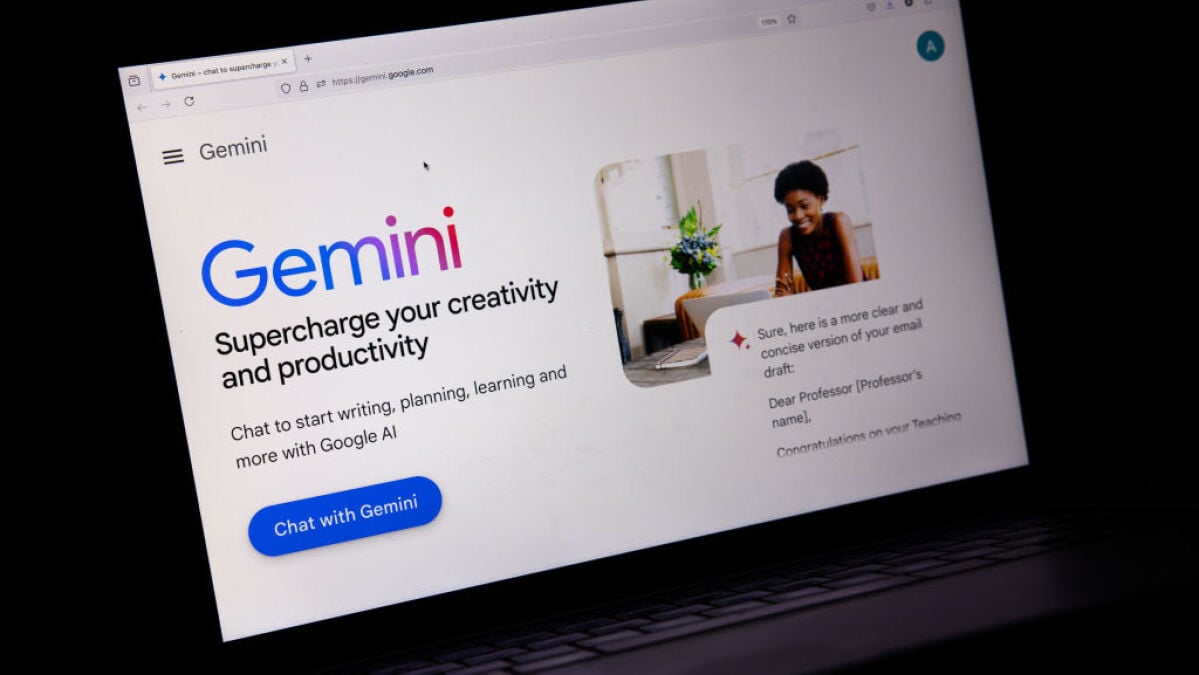
A new Google Gemini tool can do the work of researching the web for you.

On Wednesday, Google announced Deep Research, a feature for the paid version of its AI model, Gemini Advanced, which acts as a sort of AI research assistant. When using Deep Research mode in the dropdown, users can ask Gemini for help with research topics like grad school programs or a competitive industry analysis and Deep Research will compile a detailed report of what it has found on the web.

SEE ALSO:

Anthropic releases AI tool that can take over your cursor

“It’s these kinds of journeys where you’re going to have to open many tabs and spend quite a lot of time hunting for information, and we really wanted to help speed up the process of going from like zero to 60 in a new topic, fast,” said Gemini Senior Product Manager Aarush Selvan, during a demo for Mashable.

Google’s Deep Research tool is indicative of the next phase of generative AI where models can execute multi-step tasks on the user’s behalf. Anthropic’s Claude has a programming feature that can take over your cursor and conduct computing tasks like clicking and typing. Microsoft recently released its Copilot Vision feature which visually processes what the user sees on the Edge browser to help with comparison shopping or research. OpenAI is rumored to be releasing an AI agent for coding and web browsing. Google is also reportedly working on a Chrome feature for similar web-browsing capabilities. All of these features have agentic AI properties that push generative AI towards autonomous behavior.

Mashable Light Speed

Deep Research starts by outlining a research plan for how it’s going to compile information – genAI’s way of showing its work. When you hit start, it gets to work browsing the web on your behalf and finding relevant information. Once it’s finished, the new report opens up in a new canvas that shows citations that you can click into. You can also ask follow up questions or ask for specific edits like adding new sections of information. Plus, you can open the report in Google Docs, which is a useful perk.

The feature works off of the existing Google Search architecture. So it’s essentially doing a bunch of googling for you and compiling what you might have found on the web — just way faster. Since it leans on Google Search, Deep Research also inherits its rules around restricted or banned content, so it won’t read adult sites or sites that violate its policies said Selvan.

Selvan also explained that Deep Research can’t access websites that require a login, like many social media sites, and also can’t bypass paywalled sites. When asked about how the feature responds to sites that block web crawlers, a spokesperson said, “Deep Research currently will not use any URLs opted out via Google-Extended to generate the research reports.” Google-extended is the web crawler that Gemini uses to scrape sites for training data.

Deep Research is live today for Gemini Advanced, which costs $20 a month.

Topics
Artificial Intelligence
Google


Source link

Share. Facebook Twitter Pinterest LinkedIn Tumblr Email
Previous ArticleFormer Democratic Rep. Anthony Weiner, convicted of illicit contact with minor, files to run for NYC Council
Next Article Nebraska city council member explains effect of illegal immigrants on community
Editor
  • Website

Related Posts

Tech

How to preorder Apple’s new M5 MacBook Airs

March 4, 2026
Tech

Budget QLED TV deal: Save $100 on a 32-inch TCL QLED TV, now $99.99

March 4, 2026
Tech

Best power station deal: Save 51% on the Anker Solix F3800, the BP3800 expansion battery, and a 400W solar panel.

March 4, 2026
Add A Comment

Comments are closed.

Categories
  • Entertainment
  • Lifestyle
  • News
  • Sports
  • Tech
  • Travel
Recent Posts
  • How to preorder Apple’s new M5 MacBook Airs
  • Today on Sky Sports Racing: All-weather action from Southwell | Racing News
  • Benny Blanco Reacts to Celeb in Selena Gomez’s DMs
  • Jasmine Crockett claims GOP rigged her primary election: ‘What Republicans like to do’
  • Budget QLED TV deal: Save $100 on a 32-inch TCL QLED TV, now $99.99
calendar
March 2026
M T W T F S S
 1
2345678
9101112131415
16171819202122
23242526272829
3031  
« Feb    
Recent Posts
  • How to preorder Apple’s new M5 MacBook Airs
  • Today on Sky Sports Racing: All-weather action from Southwell | Racing News
  • Benny Blanco Reacts to Celeb in Selena Gomez’s DMs
About

Welcome to Baynard Media, your trusted source for a diverse range of news and insights. We are committed to delivering timely, reliable, and thought-provoking content that keeps you informed
and inspired

Categories
  • Entertainment
  • Lifestyle
  • News
  • Sports
  • Tech
  • Travel
Facebook X (Twitter) Pinterest WhatsApp
  • Contact Us
  • About Us
  • Privacy Policy
  • Disclaimer
  • UNSUBSCRIBE
© 2026 copyrights reserved

Type above and press Enter to search. Press Esc to cancel.